THE LIBRARY

THE LIBRARY

✨ FREEBIES

✨ FREEBIES

Texture Template Vol. I

Texture Template Vol. I

Texture Template Vol. I
Texture templates for adding some grit to your images.

Details:

Details:

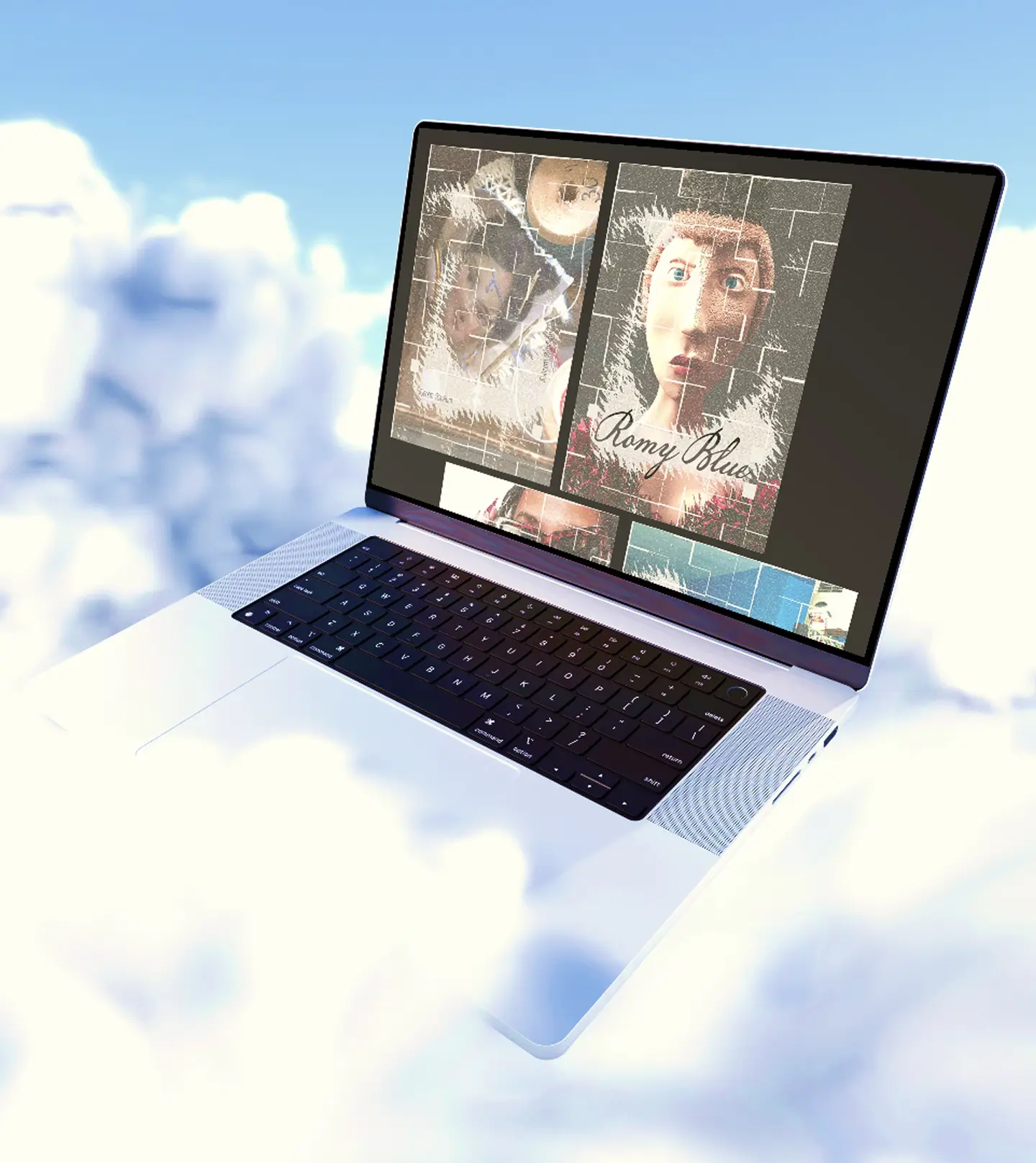
A collection of textures in PNG and JPG format for layering over photos, graphics, and type. Use them as they are or play around with opacity, blending, and placement.

$0.00
WHAT'S INSIDE

One texture, two formats, ready to use.

(01)

Transparent PNG

A transparent version that can be layered directly over your images and designs.

(01)

Transparent PNG

A transparent version that can be layered directly over your images and designs.

(02)

JPG texture

A flattened version of the same texture for a quick and simple way to add the effect to your work.

(02)

JPG texture

A flattened version of the same texture for a quick and simple way to add the effect to your work.

(03)

Easy to customize

Adjust the opacity, blending, scale, and placement to get the exact amount of texture you want.

(03)

Easy to customize

Adjust the opacity, blending, scale, and placement to get the exact amount of texture you want.

(04)

Vol. 01

The first texture in the collection, made as a simple starting point for experimenting with image treatments.

(04)

Vol. 01

The first texture in the collection, made as a simple starting point for experimenting with image treatments.

CUSTOM STUFF

CUSTOM STUFF

CUSTOM STUFF

Got a project in mind? Let's talk about it.

Got a project in mind? Let's talk about it.

You: “Okay, but what if I need something that isn't in the library?”

Me : “Then let's make something that is.”

Don’t worry, I’ll reply here personally. Usually within a day — just check back anytime.

HOW TO USE IT

Add the texture, adjust the effect, and see what works.

Add the texture, adjust the effect, and see what works.

[01]

Choose your format

Choose your format

⛓️‍💥

Use the transparent PNG when you want to layer the texture over an image, or the JPG when you want a simple flattened version.

Use the transparent PNG when you want to layer the texture over an image, or the JPG when you want a simple flattened version.

Use the transparent PNG when you want to layer the texture over an image, or the JPG when you want a simple flattened version.

[02]

Layer it on

Layer it on

💥

Place the texture over your photo, graphic, or type and experiment with the opacity, blending mode, scale, and position.

Place the texture over your photo, graphic, or type and experiment with the opacity, blending mode, scale, and position.

Place the texture over your photo, graphic, or type and experiment with the opacity, blending mode, scale, and position.

[03]

Make the adjustment

Make the adjustment

💫

Keep it subtle or make it more noticeable. There’s no fixed setting — adjust the texture until it fits your image.

Keep it subtle or make it more noticeable. There’s no fixed setting — adjust the texture until it fits your image.

Keep it subtle or make it more noticeable. There’s no fixed setting — adjust the texture until it fits your image.

EXTENDED VERSION

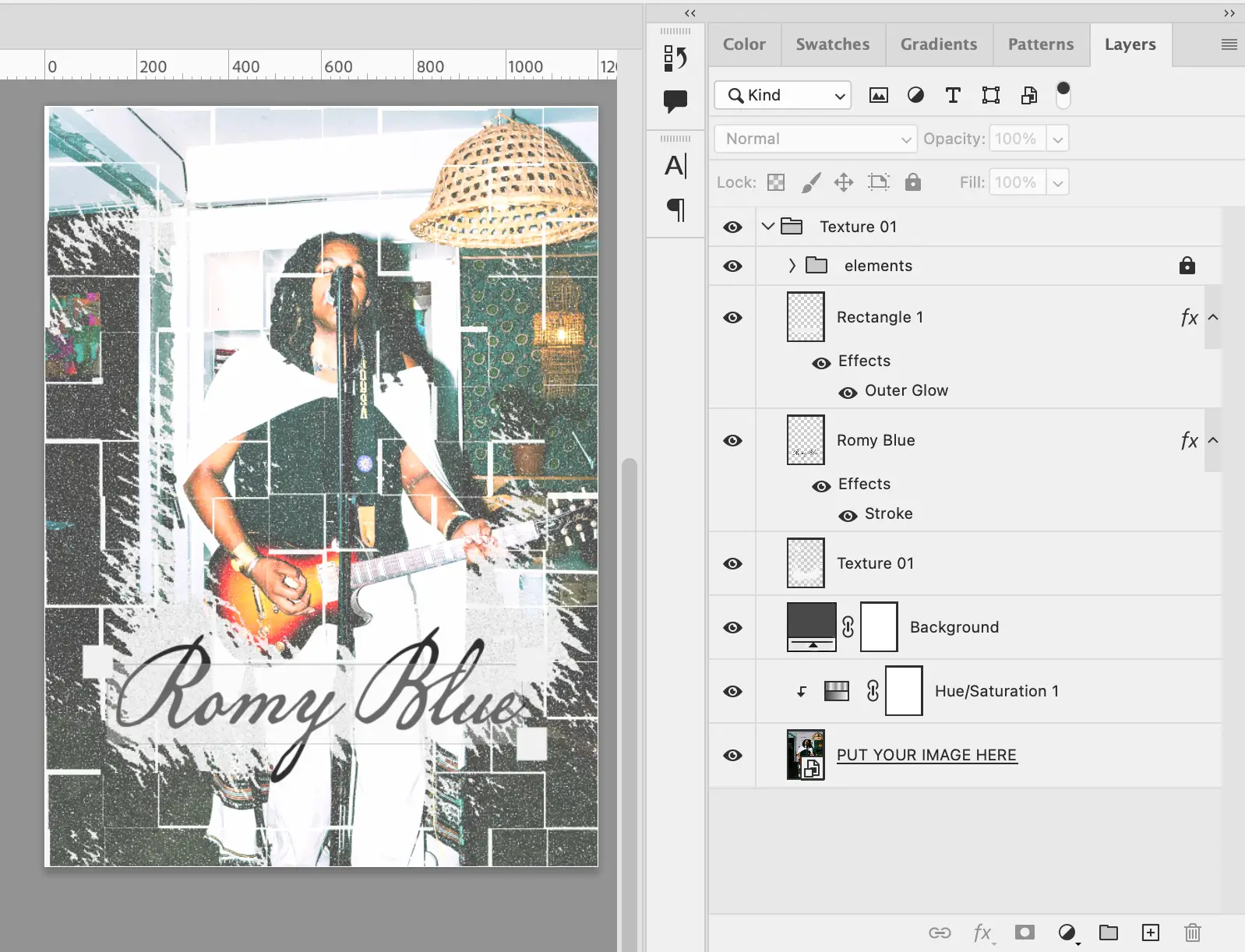
Take the texture a step further with the editable PSD version. Unlike the free PNG and JPG files, the PSD gives you a more flexible way to work with the effect and your own imagery in the same file.

Add your own picture, adjust the texture, move things around, and experiment with the treatment directly in Photoshop. It’s made for when you want more control over the final look instead of simply placing an overlay on top.

The extended version is available separately if you want to go beyond the ready-to-use texture and have a little more room to play with it.

Frequently Ask Question.

Probably what's sitting in
your head right now👀

Probably what's
sitting in 'your head'
right now👀

You: “Okay, but what if I have more questions?”

You: “Okay, but what if I have more questions?”

You: “Okay, but what if I have more questions?”

[01]

WHAT DO I GET WHEN I BUY SOMETHING?

[03]

Can I use these for my own projects?

[05]

Can I share or resell the files?

[02]

How do I get my files?

[04]

Can I use them for commercial work?

[06]

What if I have a problem with my order?